
The club scoreboard is your leaderboard across tournaments. It fills up on its own as tournaments are settled — there is nothing to maintain.
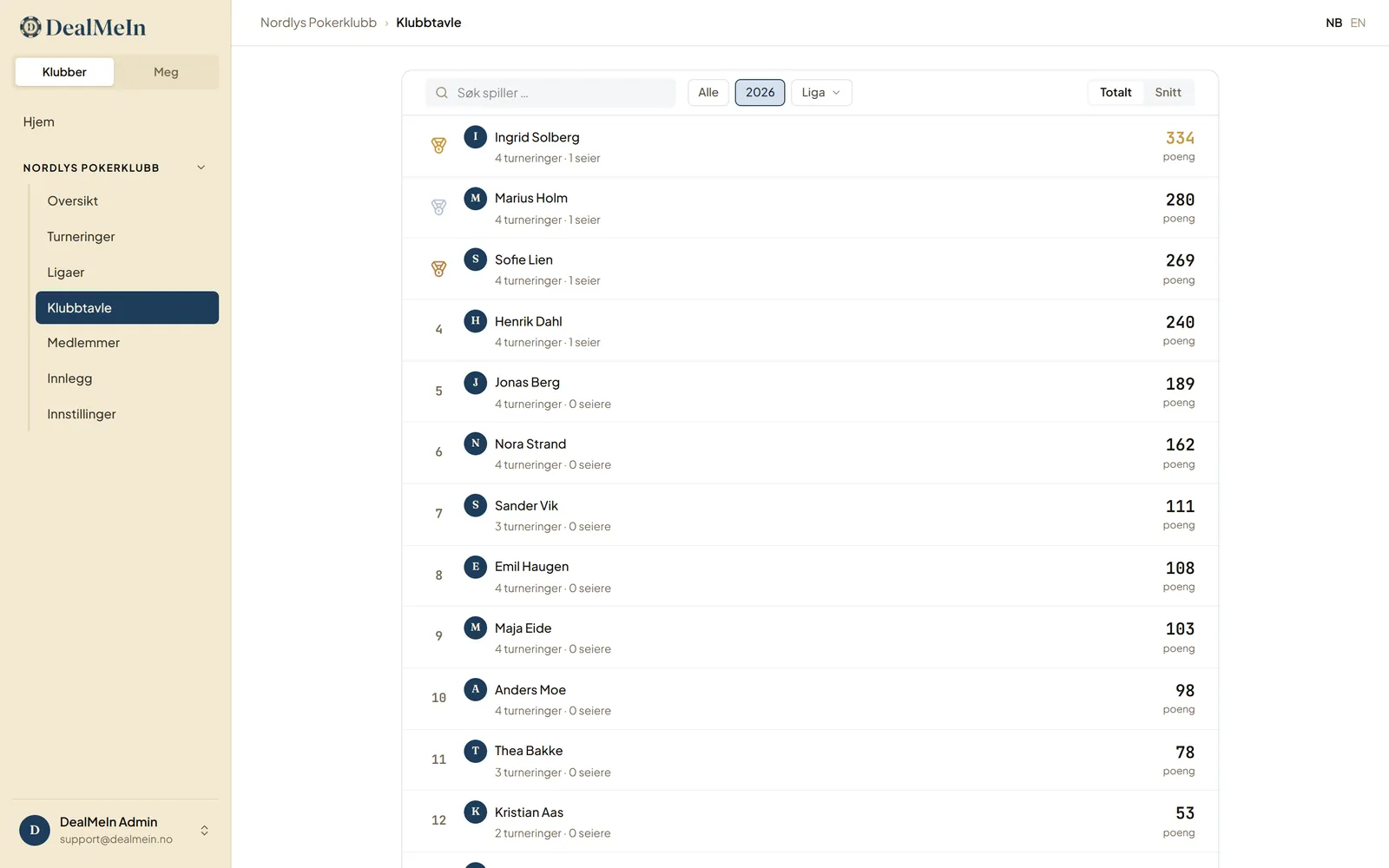
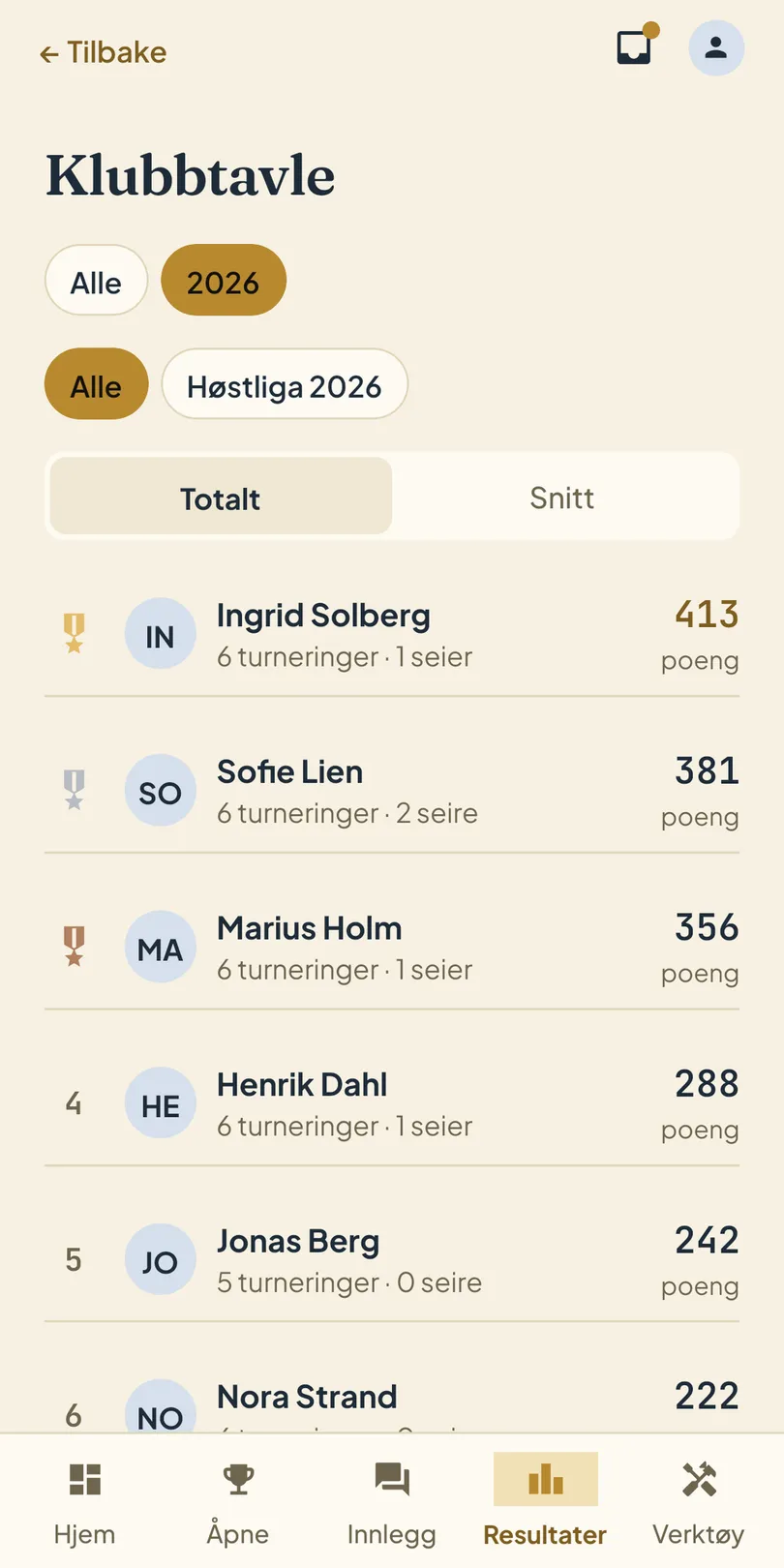
Filters
- Year — look at a single season, or everything. The scoreboard shows the last three seasons by default; the club organiser can change that under Settings → Scoreboard in Console.
- League — narrow to the tournaments that belonged to one league.
- Search — jump straight to a player.
Finished leagues stay in the filter. When an old league is no longer relevant, switch off Show on the scoreboard while editing the league in Console — it then disappears from the scoreboard filter and from the leaderboard and history in the app. The league and its results are kept.
Total or average
- Total adds up all points. Rewards turning up often.
- Average divides by tournaments played. Makes it fair to compare someone who played 4 tournaments with someone who played 20.
Both are worth looking at — they answer different questions, and it is rarely the same player on top.
For each player the board shows tournaments played and wins alongside the points.
Your own stats
Players see their own numbers under My results in the app: tournaments played, wins, best finish, and the history of tournaments they took part in.
Public result pages
If you want to share the table with someone outside the club — or just stop screenshotting it for the group chat — the club organiser can turn on Public result pages under Settings → Scoreboard in the Console. The club scoreboard, every league and every completed tournament then get an open link anyone can view without signing in. The links are on the scoreboard, league and tournament pages in the Console.
The pages show placements and points with players’ display names — never amounts, never profile photos — and they may appear in search engines. That is why it is a deliberate choice for the club, and off by default. Turn it off again and the links stop working immediately.
Guests
Guest players without an account do not appear on the scoreboard or in league standings. They stay in the results of the tournaments they played, and they count towards the field size, so everyone else’s points still come out right. A guest who wants to be on the board needs to create an account and join the club. See Guests and accounts.